







Remember the days when a telephone was simply a telephone? When you visited the bank to check your balance, a travel agent to book a holiday, bought a newspaper to catch up with the news and consulted an encyclopedia to find information?
Much of that world has changed. Today, a device that fits into your pocket can perform all these functions and considerably more. Your smartphone can be your bank, library, camera, newspaper, television, travel agent and personal assistant.
And now, there is Artificial Intelligence (AI).
You can ask your phone a question and receive an answer in conversational language. Photograph a complicated document and ask for an explanation in simple English. Dictate a message instead of typing it, translate a conversation or get help planning your next holiday.
For many senior citizens, however, keeping pace with technology can be intimidating. There are unfamiliar terms, countless applications and the occasional fear of pressing the wrong button. Then there are more serious concerns: online fraud, identity theft and misleading information.
The answer is neither to embrace every new gadget nor retreat from the digital world. It is to understand enough to use technology confidently, independently and safely.
You don’t need the latest smartphone or a dozen applications. You simply need to know what is useful and what to watch out for.
Because growing older is inevitable. Being left behind by technology need not be.
- Understand AI and what it can do
Artificial Intelligence enables computers to perform tasks that would ordinarily require human intelligence, such as understanding language, recognising images, identifying patterns and answering questions.
You probably use AI already. Smartphone word suggestions, Google Maps route recommendations and online shopping suggestions are familiar examples.
Generative AI takes things further. It can create text, images, presentations and summaries based on instructions given by users. You can interact with it in ordinary language, without knowing computer programming.
Some useful AI applications:
- ChatGPT: Answers questions, drafts letters, summarises documents, translates messages and helps plan holidays. You can speak to it rather than type.
- Google Gemini: Google’s AI assistant can work with questions, documents and images.
- Microsoft Copilot: Useful for research, writing and summarising information.
- Google Lens: Identifies objects, plants and monuments, translates printed text and finds information using your phone camera.
- Google Translate: Translates written text, photographs and spoken conversations.
- Claude: Another increasingly popular conversational AI assistant.
Most offer free access, with optional paid features. Download applications only from the official Apple App Store or Google Play Store.
Try asking an AI assistant to:
- Explain a blood test report in simple English.
- Translate a Marathi message into English.
- Draft a polite response to a WhatsApp message.
- Compare two health insurance policies.
- Plan a holiday keeping mobility limitations in mind.
- Explain how UPI payments work.
- Summarise a government notification.
- Suggest a weekly Indian meal plan.
- Explain instructions on a household appliance.
- Teach you how to use a smartphone, one step at a time.
You can also photograph a document and ask questions about its contents.
One important qualification: AI is not a human expert. It can produce convincing but incorrect answers or invent information. Verify anything relating to health, money and legal matters. Never start, stop or alter medication based on an AI response. Avoid uploading confidential medical records, bank statements, Aadhaar details or other sensitive information indiscriminately.
Remember: AI is an assistant, not an authority.
- Your smartphone: The most important device you own
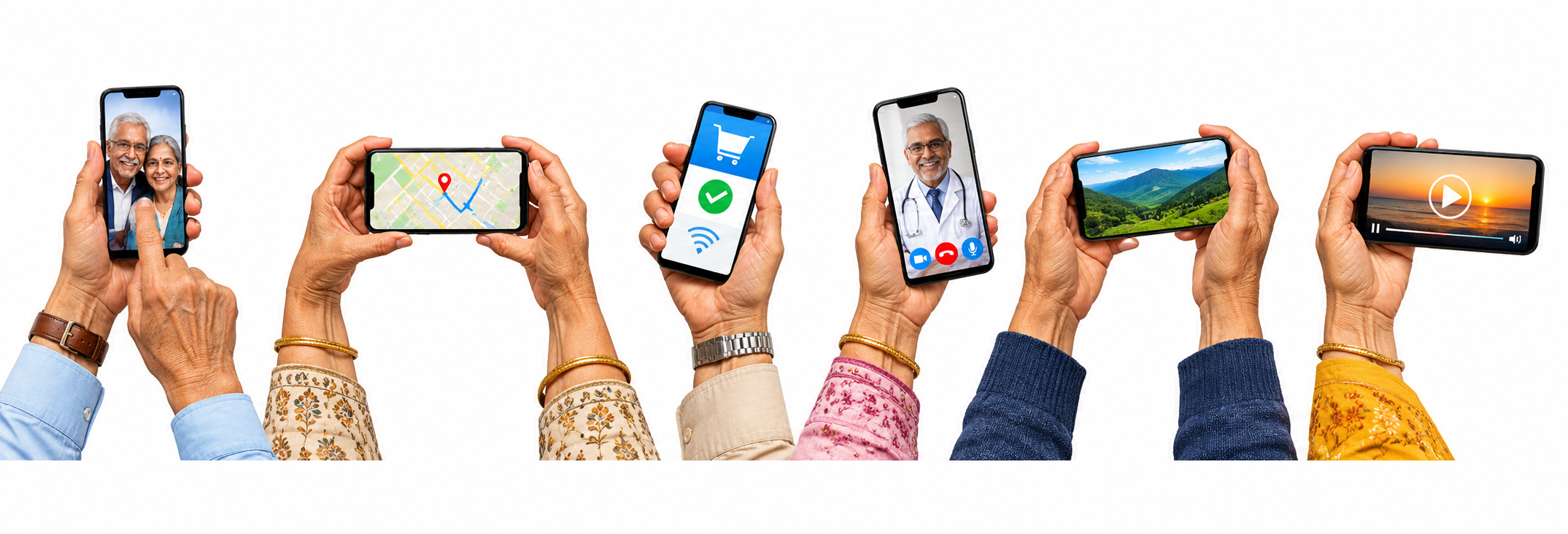
For most Indians, the smartphone is the primary gateway to the digital world. It is a camera, banking terminal, entertainment centre, navigation system and communication tool.
It is worth learning more than just WhatsApp and making telephone calls.
Essential skills include:
- WhatsApp: Learn to make video calls, share documents and locations, send voice messages, block unwanted callers and adjust privacy settings.
- SMS and notifications: Banking alerts and OTPs often arrive through SMS. Keep notifications enabled.
- Video calls: WhatsApp, FaceTime, Google Meet and Zoom help you stay connected with family, particularly children and grandchildren overseas.
- Google Maps: Use it for navigation, checking traffic and locating nearby hospitals and pharmacies.
- Voice typing: Dictate messages using the microphone symbol on your keyboard.
- Camera: Photograph prescriptions, receipts and important documents.
- QR codes: Understand the difference between scanning a code to obtain information and scanning one to initiate a payment.
- Cloud backup: Google Drive, Google Photos and Apple’s iCloud can store photographs, contacts and documents online. Check storage and privacy settings before enabling automatic backup.
Make your smartphone senior-friendly
Increase font size and screen brightness, adjust ringtone volume, enable fingerprint or face recognition where available and set up emergency contacts and SOS features.
Learn to take screenshots, block unwanted calls and locate a misplaced phone. Keep software updated and review which applications have access to your camera, microphone, contacts and location.
Android and Apple phones also offer accessibility features such as text-to-speech, speech-to-text, screen magnification, live captions and voice commands. Some compatible hearing aids connect directly to smartphones.
These features can make everyday technology easier for practically everyone.
- Digital banking and payments: Handle with care
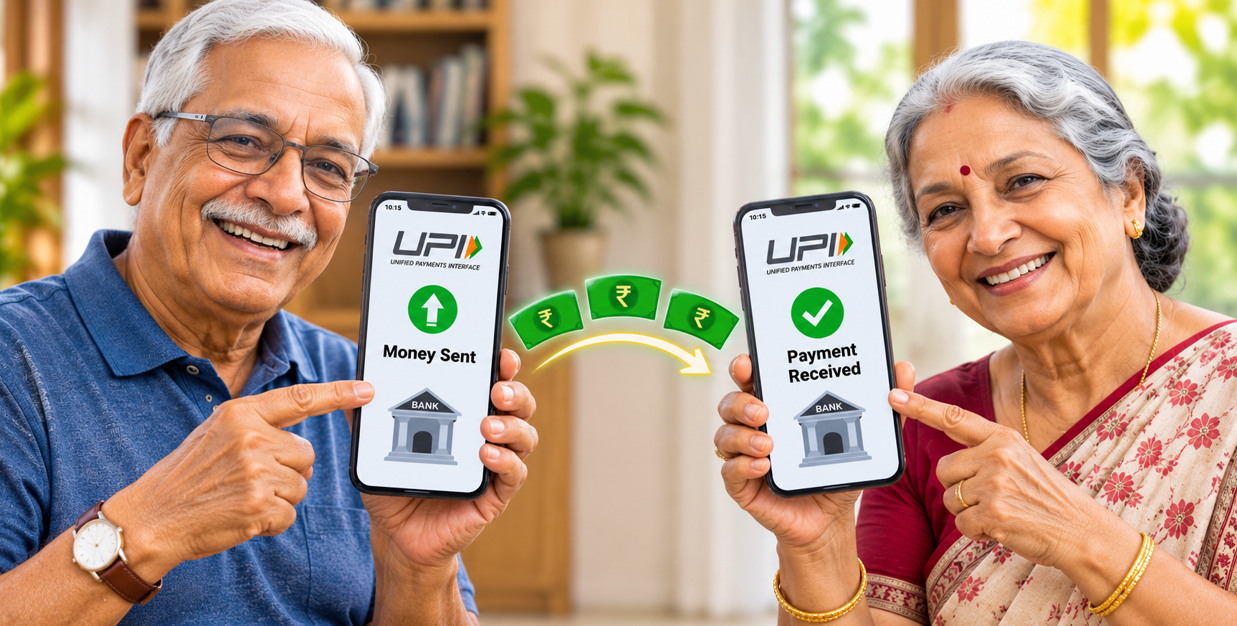
India has made enormous strides in digital payments. From neighbourhood grocery shops to large retail outlets, UPI has become part of everyday life.
The Unified Payments Interface enables instant transfers between bank accounts using a smartphone. Applications such as BHIM, Google Pay, PhonePe and Paytm offer UPI facilities.
You can pay a shopkeeper by scanning a QR code, transfer money using someone’s mobile number or UPI ID, and receive payments directly into your bank account. Mobile banking applications also allow you to check balances, download statements and pay utility bills.
Remember these essential precautions:
- Your UPI PIN authorises a payment. You do not need it to receive money.
- Check the recipient’s name and amount before authorising a payment.
- Never share your OTP, UPI PIN, ATM PIN or banking password.
- Enable transaction alerts and set sensible transaction limits.
- Download banking applications only from official sources.
There is nothing wrong with continuing to use cash or visiting your bank. Digital payments are an additional convenience, not an obligation.
- Government services at your fingertips
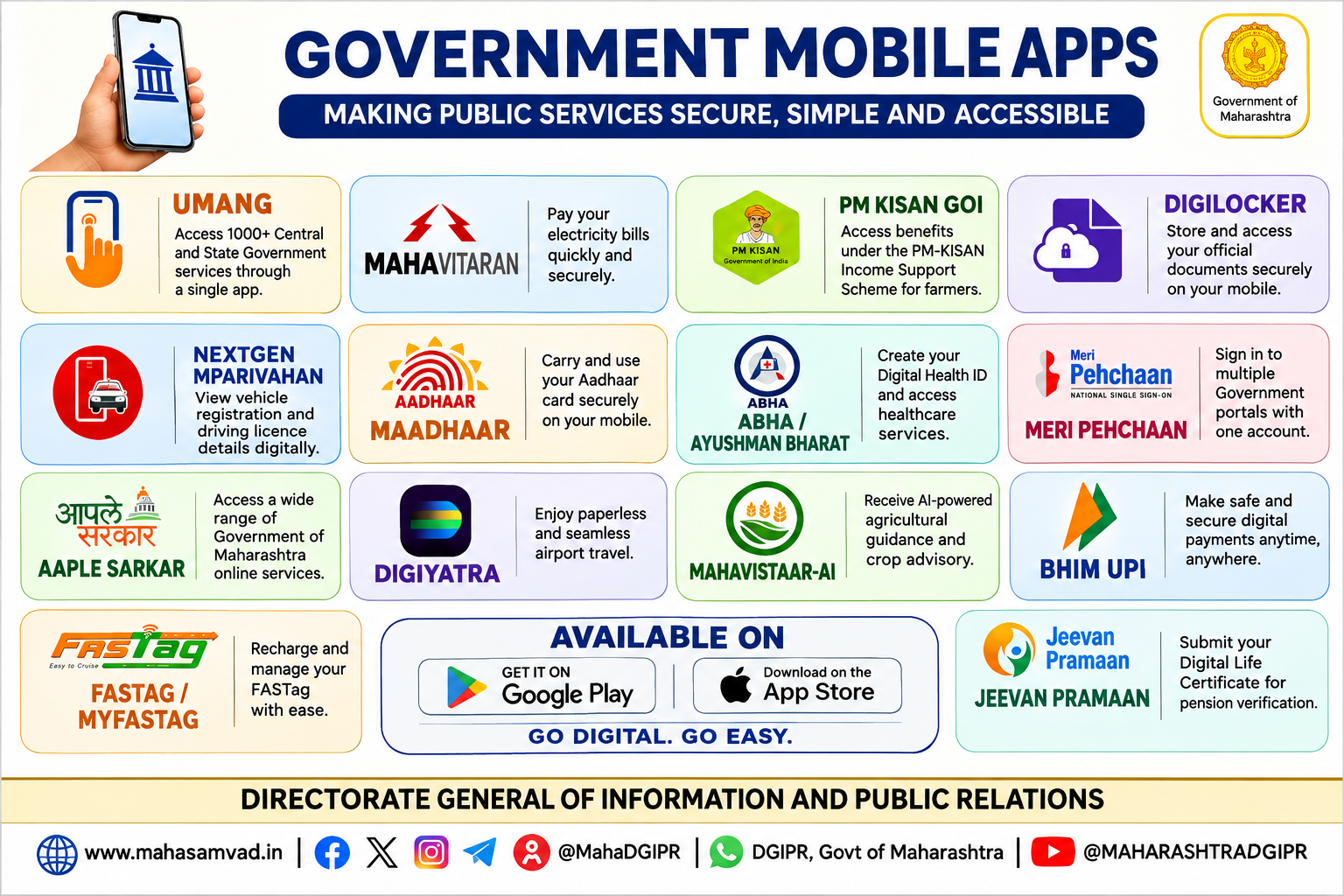
Several Indian government services can now be accessed through smartphones. Some useful applications include:
- DigiLocker: A government-backed digital wallet for eligible documents such as driving licences, vehicle registration certificates and educational certificates.
- UMANG: Provides access to various Central and State government services.
- ABHA: The Ayushman Bharat Health Account provides a digital health identity to help manage health records through participating healthcare systems, subject to consent.
- eSanjeevani: The government’s telemedicine service facilitates online medical consultations, although it cannot replace physical examinations when necessary.
- mAadhaar: Provides access to certain Aadhaar-related services.
- IRCTC Rail Connect: Helps book and manage railway journeys.
- DigiYatra: Facilitates paperless airport entry at participating airports through facial recognition, subject to enrolment and consent.
You don’t need every government application on your phone. Start with those relevant to you. Download them only from official websites or recognised app stores.
- Healthcare and personal wellness technology
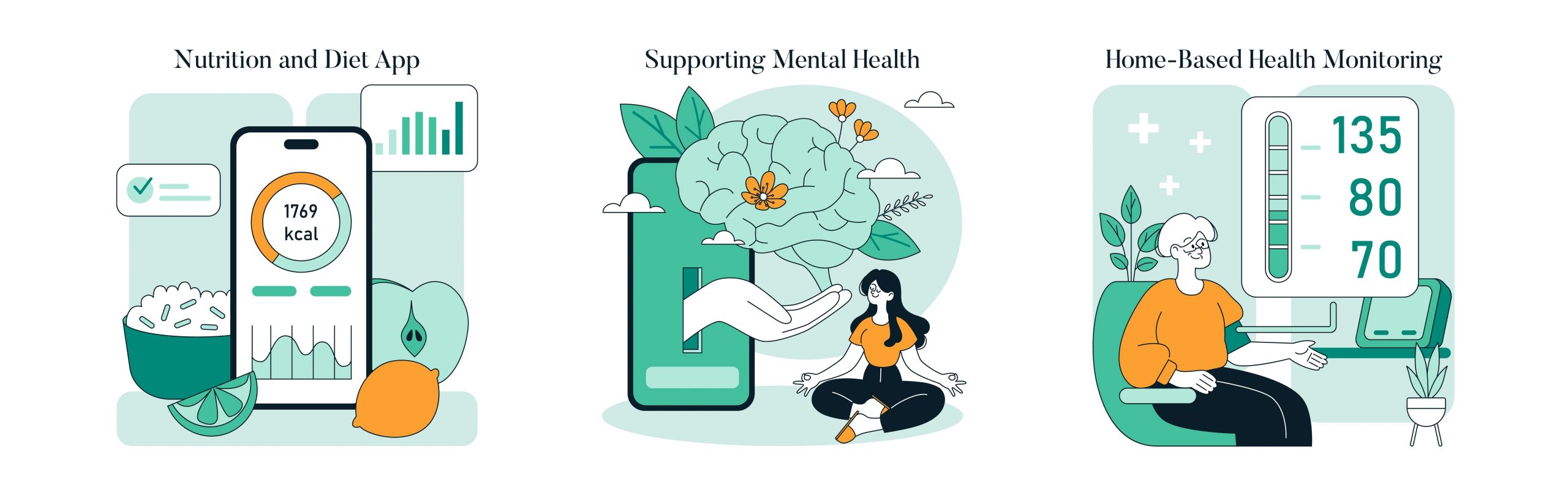
Technology can be particularly useful in managing health, appointments, prescriptions, investigations and follow-ups.
Wearable devices
Smartwatches and fitness bands can monitor heart rate, physical activity, sleep patterns and, depending on the model, blood oxygen levels and certain heart rhythm irregularities. Some offer ECG features, fall detection and emergency alerts.
A smartwatch can provide useful information but is not a substitute for medical examination or professional diagnosis.
Useful home-monitoring devices
- Digital blood pressure monitors, preferably validated upper-arm models.
- Digital thermometers.
- Pulse oximeters to measure blood oxygen saturation.
- Blood glucose monitors for those who need to track sugar levels.
- Digital weighing scales.
Learn how to use these devices correctly. Readings, particularly from consumer devices, must be interpreted in the context of symptoms and medical advice.
Your smartphone can also maintain a record of medicines and dosages, allergies, medical appointments, laboratory reports and emergency contacts.
Medication reminder applications, or simply your phone’s calendar and alarm functions, can help you remember prescribed medicines.
AI can explain medical terminology and help prepare questions for your doctor. But your doctor remains the final authority on treatment.
- The dark side: Scams, digital fraud and deepfakes
If one section deserves special attention, it is this one.
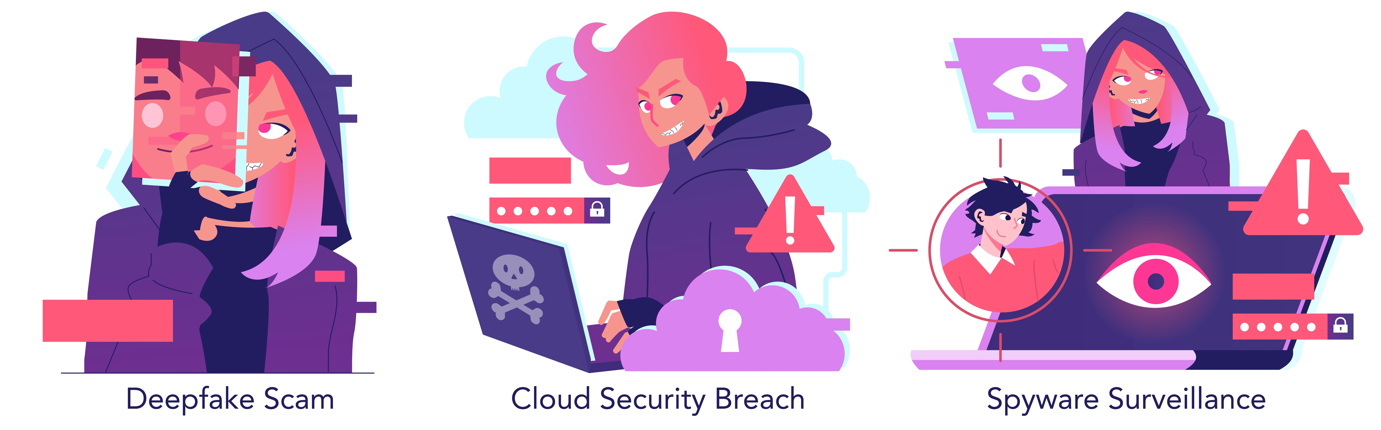
Technology has made life easier for millions. Unfortunately, it has also made life easier for criminals. AI has made online fraud considerably more convincing.
Seven scams you must recognise
- Digital arrest scams
Someone claiming to represent the police, CBI, Enforcement Directorate or another government agency tells you that your Aadhaar, bank account or telephone number is linked to a criminal investigation. They may threaten arrest, insist on a video call or demand money for verification.
Remember: There is no legitimate procedure under which an investigating agency places an ordinary citizen under a so-called digital arrest and demands money to establish innocence. Disconnect and contact the relevant authority independently.
- AI voice cloning
You receive a call from someone who sounds exactly like your son or daughter, claiming to be in trouble and urgently needing money.
AI can imitate voices using recordings available on social media. Disconnect and call the person back on their known number. Families should consider establishing a private verification phrase or code word for emergencies.
- Deepfake videos
Manipulated photographs and videos can make someone appear to say or do things they never did. A familiar face on a video call is no longer absolute proof of identity. Be cautious if someone requests money or confidential information.
- Bank KYC fraud
A message claims your bank account or debit card will be blocked unless you immediately update your KYC details. It includes a link to a website resembling your bank’s.
Don’t click it. Contact your bank through its official application, website or telephone number.
- Remote-access fraud
A caller posing as a bank employee or customer-care executive asks you to install an application to resolve a problem. It may allow the fraudster to view or control your phone. Never install remote-access or screen-sharing applications at an unknown caller’s request.
- Investment scams
WhatsApp groups promising extraordinary returns from shares, IPOs, cryptocurrency or stock market tips are common fraud mechanisms. Be suspicious of guaranteed returns, pressure to invest immediately and requests to transfer money to personal accounts.
- Fake customer-care numbers
Fraudsters create fake telephone numbers and websites resembling those of banks, airlines and service providers. Use contact details published on the organisation’s official website or application.
Ten rules for staying safe
- Never share your OTP, UPI PIN, ATM PIN or banking password.
- Don’t trust an unfamiliar caller merely because the voice sounds familiar.
- Don’t click unexpected links.
- Never allow strangers to access your phone remotely.
- Don’t transfer money under pressure.
- Verify requests for money through another communication channel.
- Avoid sharing personal information on social media.
- Don’t install applications sent through unsolicited WhatsApp messages.
- Keep your phone and applications updated.
- If something feels suspicious, stop and check.
What if you have been defrauded?
Act immediately:
- Call India’s National Cyber Crime Helpline at 1930 in cases of financial cyber fraud.
- Contact your bank through its official customer-care channel and report the transaction.
- Ask the bank to secure your account and take steps to prevent further movement of funds.
- Preserve transaction IDs, screenshots, telephone numbers and messages.
- Report the incident at cybercrime.gov.in, the National Cyber Crime Reporting Portal.
Time is critical. Don’t delay reporting an incident because you feel embarrassed or believe the amount is too small. There is no reason to feel ashamed. What matters is acting quickly.
- Protecting your digital identity and privacy
Every time you use a smartphone or access the internet, you leave behind information about yourself. Your location, photographs, shopping habits and interests can be collected by applications and online services.
A few precautions can make a substantial difference:
- Use strong, unique passwords. Avoid obvious combinations such as your date of birth or telephone number. A reputable password manager can help.
- Enable two-factor authentication or passkeys wherever available.
- Review app permissions. Give applications access to your microphone, camera, contacts and location only when necessary.
- Avoid sensitive banking transactions over unsecured public Wi-Fi.
- Think before posting photographs of your home, travel plans or personal documents.
- Use a screen lock and activate your phone’s lost-device service.
India’s Digital Personal Data Protection framework establishes obligations relating to the processing of personal digital data and provides safeguards for individuals. However, no legislation can replace personal vigilance.
One simple rule: Share the minimum information necessary, with the right person, for the right purpose.
- Technology for independent living
An increasing range of devices can help older people remain independent in their homes.
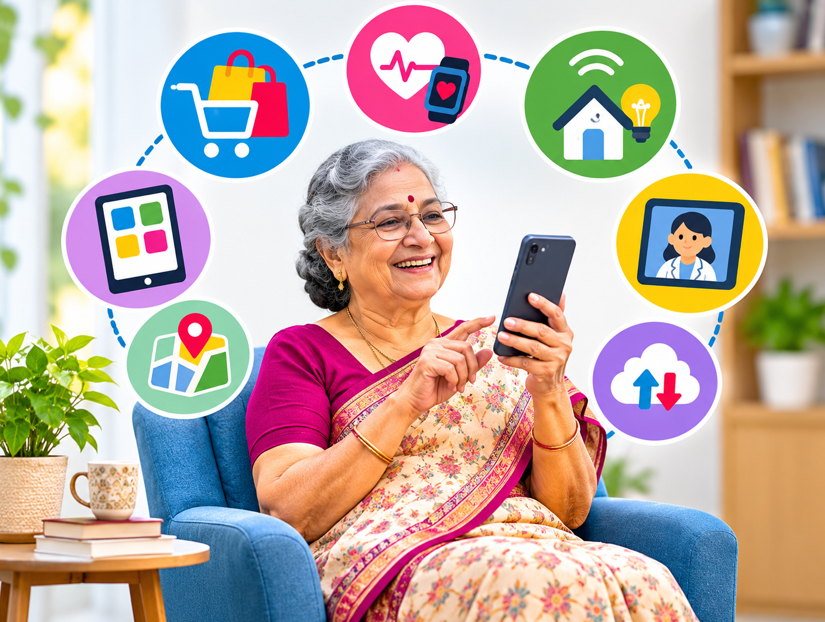
Smart speakers such as Amazon Echo respond to voice commands to play music, set alarms and provide information. Smart lighting can be controlled remotely or programmed to switch on and off. Video doorbells allow you to see and speak to visitors before opening the door.
Home security cameras can monitor entrances, while certain watches and wearable devices offer fall detection and emergency alerts. Automatic medication dispensers provide reminders, and robotic vacuum cleaners can reduce household chores.
Not every household needs these devices. Buy technology that solves an actual problem, not merely because a gadget is fashionable.
- The digital companion for travel and mobility
Technology can make travelling considerably easier.
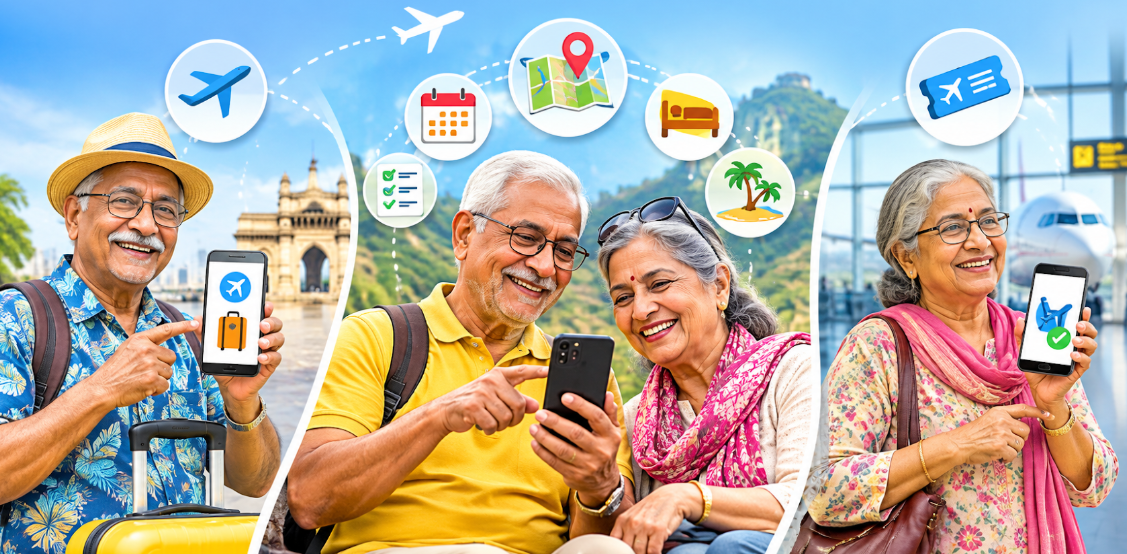
Use Google Maps to check routes, traffic and nearby hospitals or pharmacies. IRCTC Rail Connect helps with railway bookings, while airline applications offer check-in facilities, boarding passes and flight updates. Cab services such as Uber, Ola and Rapido can assist with local transportation.
Google Translate helps with unfamiliar languages. Digital copies of tickets, hotel confirmations, insurance policies and identification documents can be stored securely.
Before travelling, remember to:
- Confirm bookings through official applications or websites.
- Keep printed or offline copies of essential documents.
- Avoid depending entirely on mobile internet connectivity.
- Never share OTPs with someone claiming to represent an airline or hotel.
- Keep emergency contacts accessible.
Technology should make travel more comfortable, not more complicated.
- Reading, entertainment and lifelong learning

One of the most positive aspects of the digital revolution is the access it offers to knowledge, culture and entertainment.
- Reading: Kindle and other e-book applications offer thousands of books, with adjustable fonts and brightness.
- Audiobooks: Useful for those with impaired eyesight or who enjoy listening.
- Newspapers and magazines: Most major Indian publications offer digital editions.
- YouTube: A resource for music, lectures, cooking, exercise, documentaries and educational content. Be discerning about health and financial advice.
- OTT platforms: Netflix, Amazon Prime Video and JioHotstar offer films, documentaries and television programmes.
- Podcasts: Cover subjects ranging from history and literature to science and travel.
- Online learning: Platforms such as SWAYAM offer courses, while online lectures and tutorials provide opportunities to learn new skills.
Retirement need not mean the end of intellectual exploration. Technology makes it easier to pursue interests for which there may not have been sufficient time during one’s working years.
- Choosing the right smartphone and gadgets

You don’t need the most expensive smartphone to enjoy technology.
Look for a clear display, adjustable font sizes, good battery life, clear sound, adequate storage, a reasonably good camera and regular security updates. Reliable after-sales service in your city is also important.
Android phones offer considerable choice across price ranges. Apple’s iPhones have a consistent interface and a strong ecosystem of connected devices. Both offer accessibility and security features.
The best phone is the one you can use comfortably and confidently.
Other useful purchases could include a tablet for reading and video calls, a smartwatch, wireless earphones, a digital blood pressure monitor, a power bank and a reliable home Wi-Fi router.
Buy from authorised sellers and check how long the device will receive security updates.
- Learning to use technology: A 30-day challenge
The biggest obstacle for many older people is not technology itself, but the reluctance to experiment. The fear of pressing the wrong button or deleting something important can be overcome through gradual learning.
Set aside 15 to 20 minutes each day and try this four-week programme:
Week 1: Get comfortable with your smartphone
Adjust settings, increase font size, manage contacts, take screenshots, use voice typing, send WhatsApp messages and make video calls.
Week 2: Explore everyday digital services
Learn Google Maps, search for information online, access DigiLocker and explore relevant government services.
Week 3: Discover AI and healthcare technology
Try ChatGPT or Gemini. Ask questions, experiment with voice conversations, translate messages and summarise documents. Explore medication reminders and digital health records.
Week 4: Understand digital payments and safety
Learn UPI, understand mobile banking, review passwords and privacy settings and familiarise yourself with common cyber frauds.
Ask a trusted person to demonstrate a function, but then try it yourself. Don’t become permanently dependent on your children or grandchildren to operate your phone.
You can also seek help through digital literacy workshops, senior citizens’ associations, libraries, Common Service Centres and banks’ customer education programmes. The Data Security Council of India’s Meri Digital Suraksha initiative is another resource for digital safety guidance.
The objective is independence.
- What the next five years may bring
AI assistants are expected to become more capable of organising appointments, comparing travel options and managing everyday tasks. Healthcare technology may make remote monitoring and wearable devices more useful to doctors and patients.
Smart homes may increasingly manage lighting, security and appliances through voice commands. Robotics could assist with household tasks and certain aspects of daily care. Real-time translation may make communication across India’s many languages easier.
Digital companionship may also grow. Conversational AI can offer information, entertainment and interaction. But an AI companion is no substitute for human relationships, family, friendship or professional care.
You don’t have to adopt every new technology. Understand what is available and decide what is useful.
The senior citizen’s digital survival checklist
Before putting this guide away, make sure you are familiar with these 15 essentials:
- Know the basic functions of your smartphone.
- Know how to make a video call.
- Learn voice typing and voice commands.
- Know how to use Google Maps.
- Try at least one AI assistant.
- Learn to translate messages and documents.
- Know how to access eligible documents through DigiLocker.
- Understand UPI and digital payments.
- Never share an OTP, PIN or password.
- Recognise digital arrest and AI voice-cloning scams.
- Know how to block unwanted callers.
- Enable emergency contacts and SOS features.
- Keep your phone and applications updated.
- Know how to report financial cyber fraud through 1930.
- Keep a trusted family member informed about important digital security arrangements.
Final word: Let technology empower, not intimidate
There is a tendency to regard older people as reluctant participants in the digital revolution. That is an unfair generalisation. Many senior citizens are accomplished professionals, entrepreneurs, academics and active users of technology. Others are only beginning to discover what a smartphone can do. Both groups deserve access to information that is relevant, understandable and practical.
The important thing is to remain curious.
You need not understand how Artificial Intelligence works to benefit from it. Nor do you need to buy every new gadget that appears in the market. But you should know how to use the tools that can make your life easier.
Learn to ask AI a question, make a digital payment safely, identify a fraudulent call, access medical records, book a journey or make a video call to a grandchild thousands of kilometres away.
Above all, don’t let the fear of making a mistake prevent you from learning something new.
Technology can help us remain independent, informed, connected and engaged. Of course, we must stay alert to fraud, misinformation and the erosion of privacy. Not everything on a screen is true.
But the benefits far outweigh the reasons to stay away.
The digital world does not have an age limit. Neither should curiosity.
You may have retired from work. There is no reason to retire from learning.