






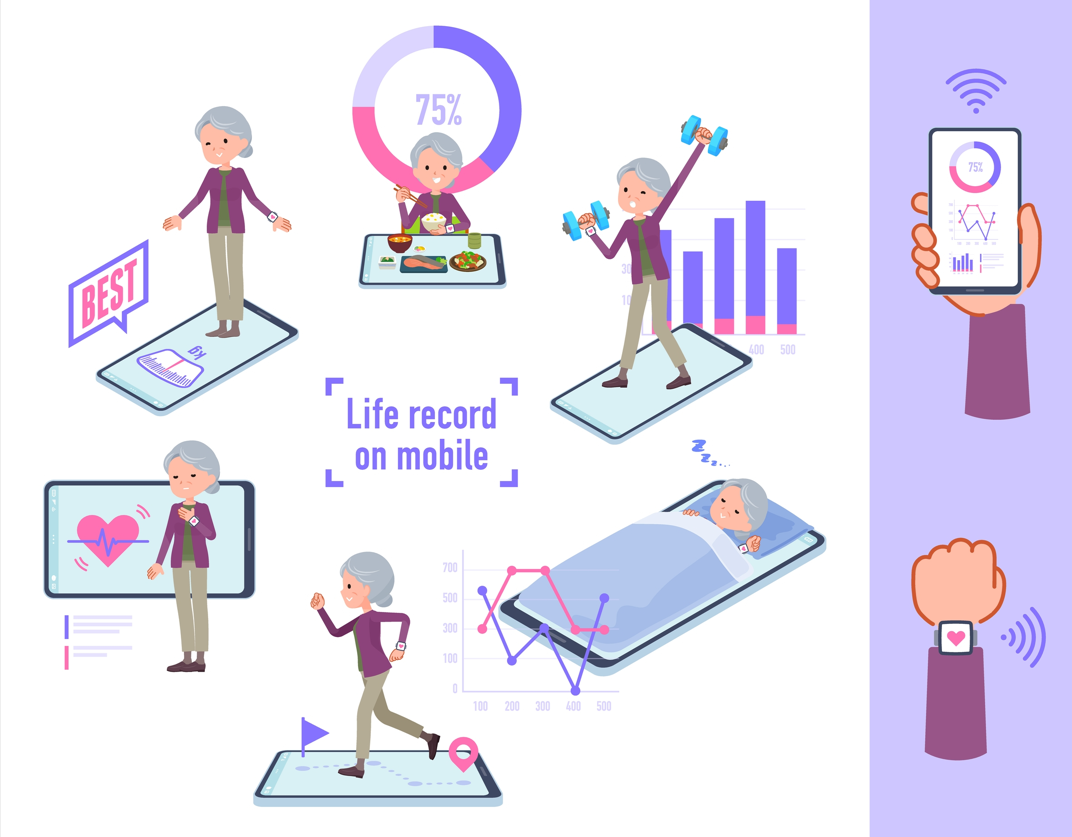
Technology is not just for the young. In fact, as we grow older, the right apps and devices can make life safer, easier, more independent — and sometimes even more fun.
Let me begin with a confession.
I know quite a few senior citizens who are perfectly comfortable using a smartphone to read WhatsApp messages, forward good-morning pictures, watch YouTube videos and occasionally make a video call to their grandchildren.
But ask them to use an app to book a doctor’s appointment, make a UPI payment, locate a new address or activate an emergency feature, and suddenly the phone becomes somebody else’s responsibility.
That needs to change.
Technology is not something we should fear simply because the buttons have become smaller and the terminology more complicated. Used sensibly, it can actually give senior citizens something extremely valuable: independence.
You don’t have to download 50 apps. You don’t have to buy the most expensive smartwatch. And you certainly don’t have to become a technology expert.
But there are a few apps and devices that are worth getting to know — and, importantly, making friends with.
Here are my 10.
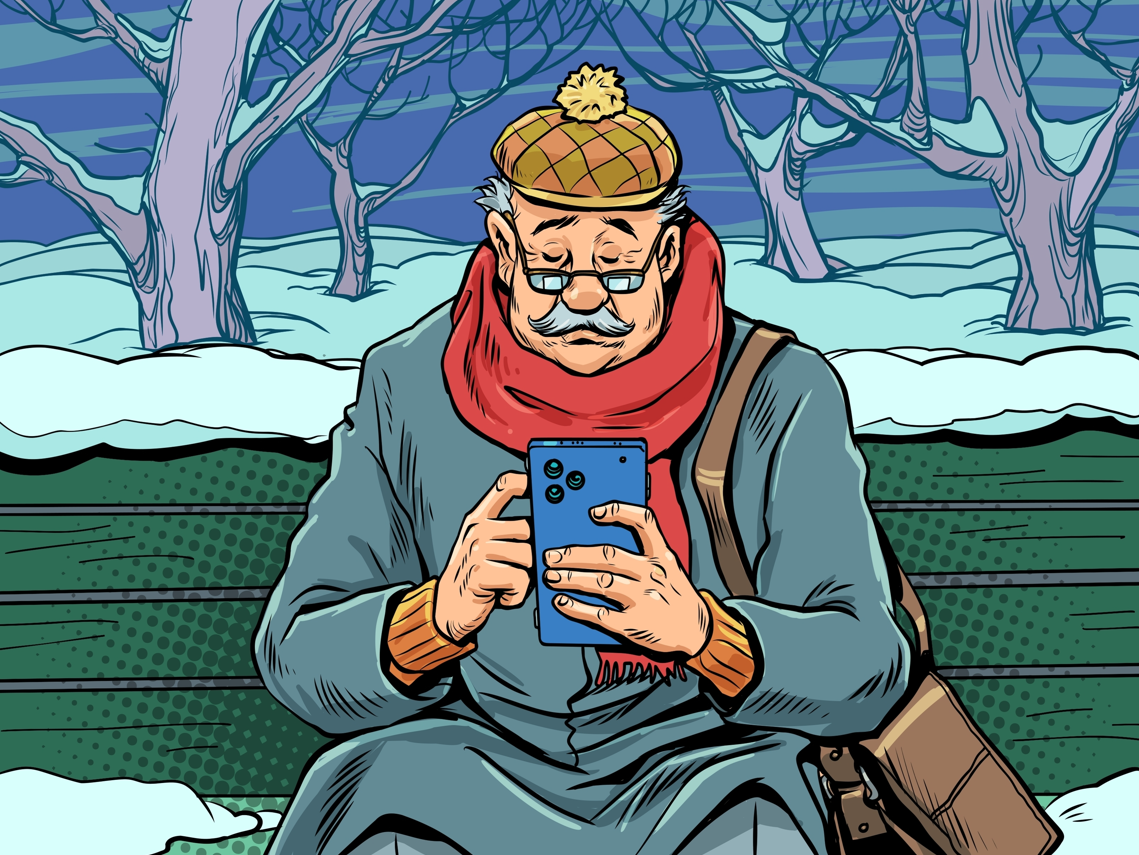
- Your smartphone — your digital Swiss Army knife
Let’s start with the obvious.
A good smartphone is no longer merely a telephone. It is your camera, diary, newspaper, map, torch, video camera, entertainment centre, banking terminal, health companion and connection to family and friends.
For a senior citizen, however, the best smartphone is not necessarily the most expensive one.
Look for a large, bright display, good battery life, clear speakers, reliable camera, simple interface and adequate storage. Make the text larger. Increase the display contrast if necessary. Put the most-used apps on the home screen.
And learn one feature that can be particularly useful: voice control.
Instead of typing a long message, tell the phone what you want. Instead of struggling to find a contact, ask it to call someone.
The smartphone should work for you — not the other way around.
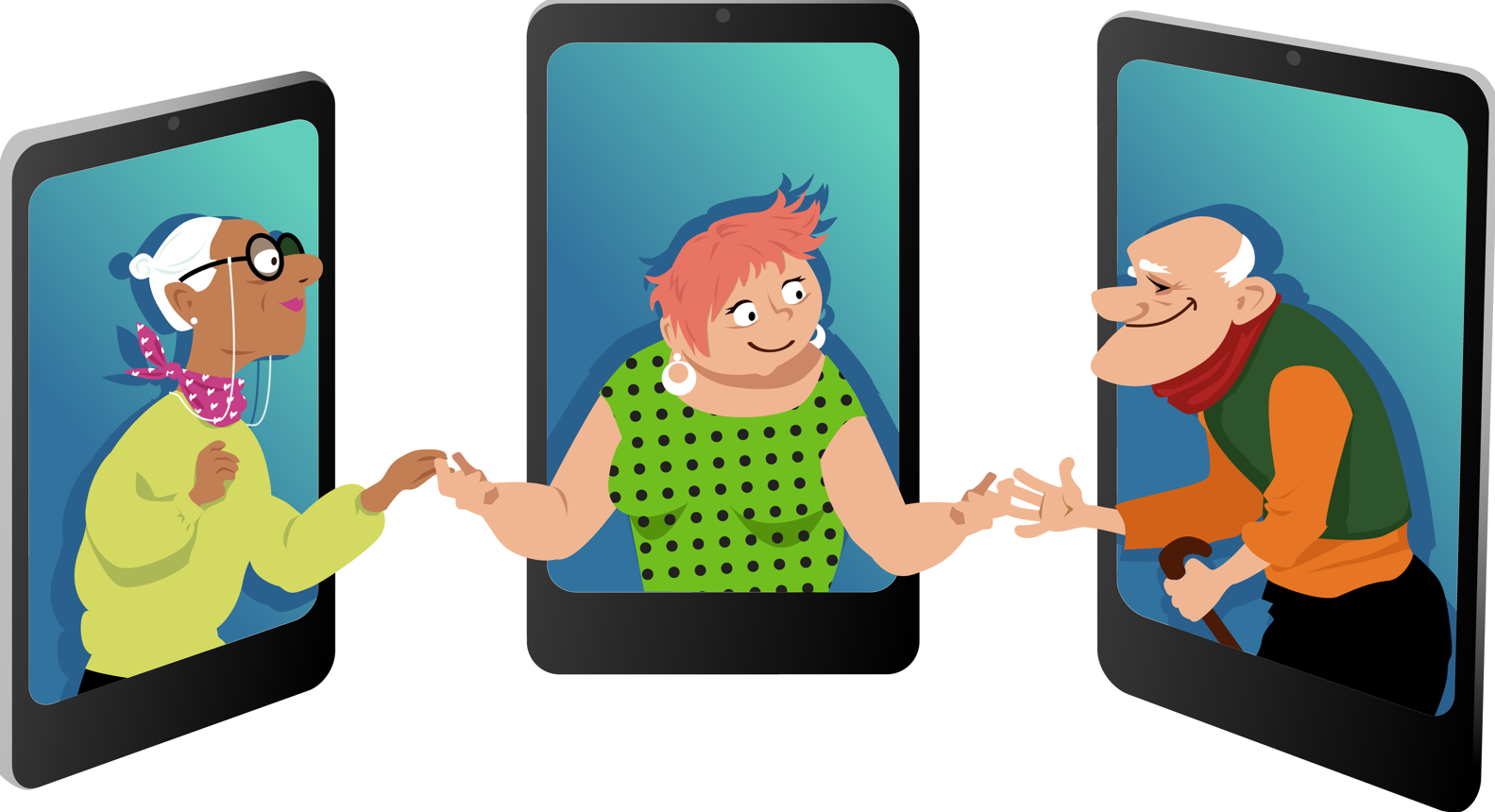
- WhatsApp — but use it intelligently
For millions of Indians, WhatsApp has become the family noticeboard.
It is where children send photographs, grandchildren share videos, societies circulate notices, doctors communicate with patients and friends organise everything from dinner to holidays.
For seniors, WhatsApp can also be a very useful safety net.
Create a small family or trusted-contacts group. Keep important contacts easily accessible. Learn how to share your live location when necessary. Learn how to make a video call.
But there is another lesson that is perhaps even more important:
Do not believe everything that arrives on WhatsApp.
Fake medical advice, investment offers, political misinformation, “urgent” messages from supposed friends and links asking you to click or pay are everywhere.
If a message makes you frightened, excited or unusually curious, pause before acting.
Technology should connect you to people. It should not give strangers access to your money.
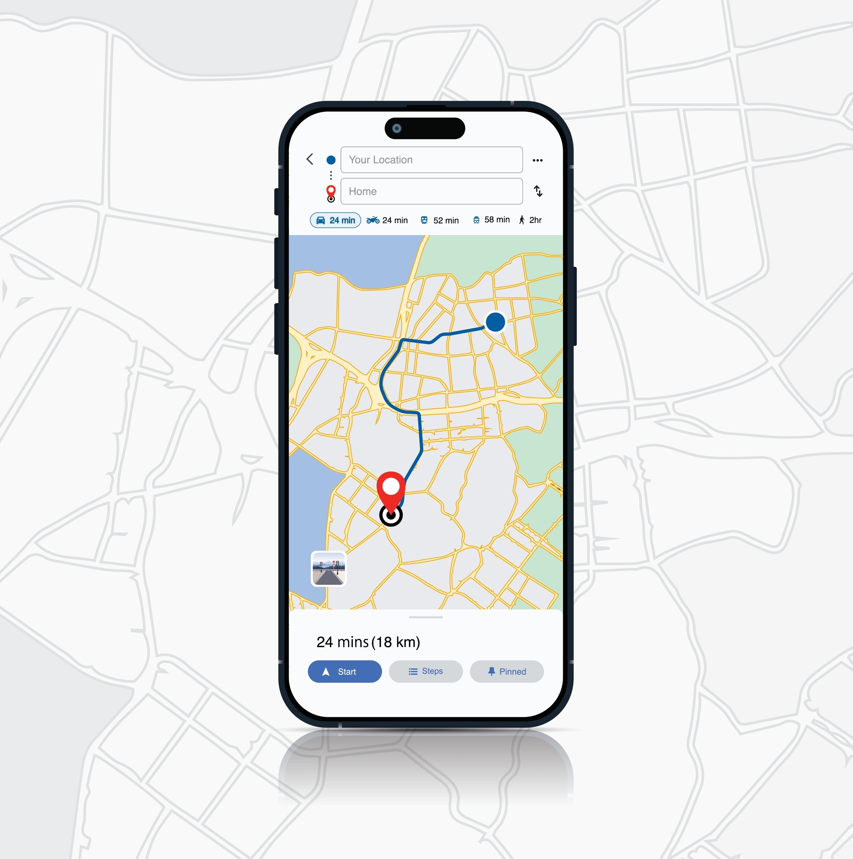
- Google Maps — never be afraid of getting lost
Remember the days when we stopped at a petrol pump and asked for directions?
Those days are largely over.
Google Maps can help you find a hospital, restaurant, railway station, chemist, ATM or simply the quickest way home.
For seniors, its value goes beyond navigation.
Before travelling somewhere unfamiliar, look up the location in advance. Check the route. Save important places. Learn how to share your location with a family member.
And don’t wait until you are hopelessly lost to ask Maps for help.
Spend 20 minutes learning it while sitting comfortably at home.
That 20 minutes could save you an hour of anxiety later.
- A smartwatch — your health companion on your wrist
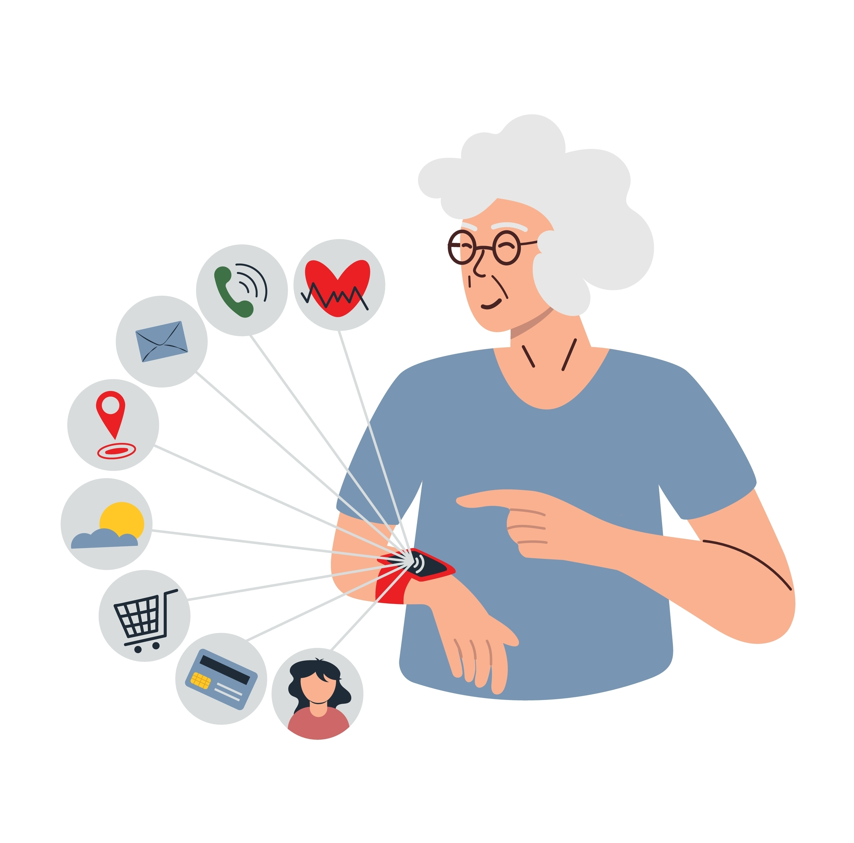
A smartwatch can do considerably more than tell the time.
Depending on the model, today’s watches can monitor heart rate, activity and sleep, provide reminders and, on some devices, offer features such as fall detection, emergency SOS and ECG-related functions.
For a senior citizen living alone, the emergency features may be more important than the fitness features.
If you fall, feel unwell or need assistance, being able to summon help without reaching for a phone can be enormously useful.
But remember: a smartwatch is a monitoring and communication device, not a doctor. A reading on your wrist should not be treated as a diagnosis.
Choose the features that are genuinely useful to you rather than paying for 25 features you will never use.
- An emergency app — and the number 112
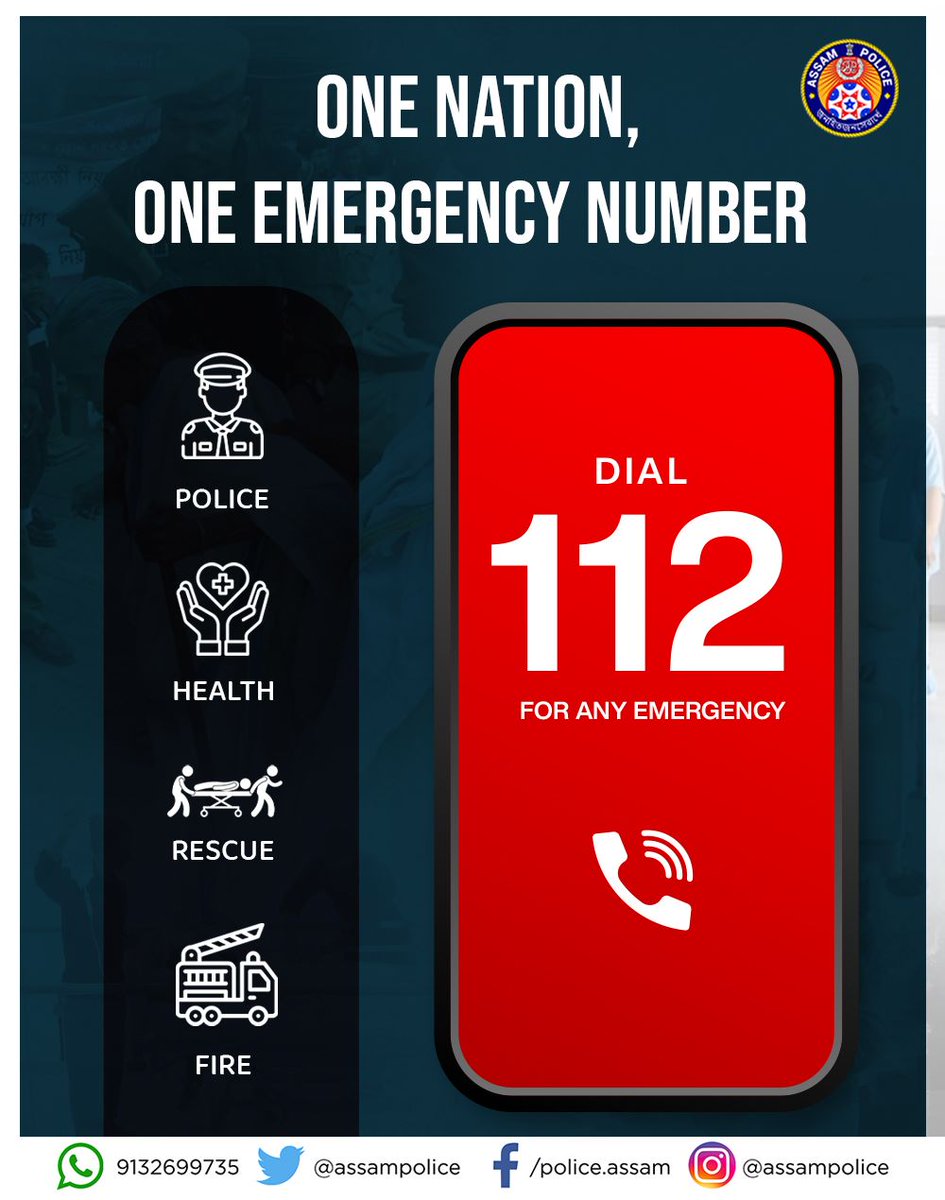
Every senior citizen should know one number by heart: 112.
India’s Emergency Response Support System provides a unified emergency number for situations requiring police, fire, health and other emergency assistance.
Do not merely save it in your phone.
Know what it is.
Know how to call it.
And make sure you know how the emergency/SOS function on your own smartphone or smartwatch works.
Technology is most useful when you learn it before the emergency happens.
And don’t depend entirely on an app. In an emergency, the simplest solution may simply be making the call.
- A UPI app — convenience with caution
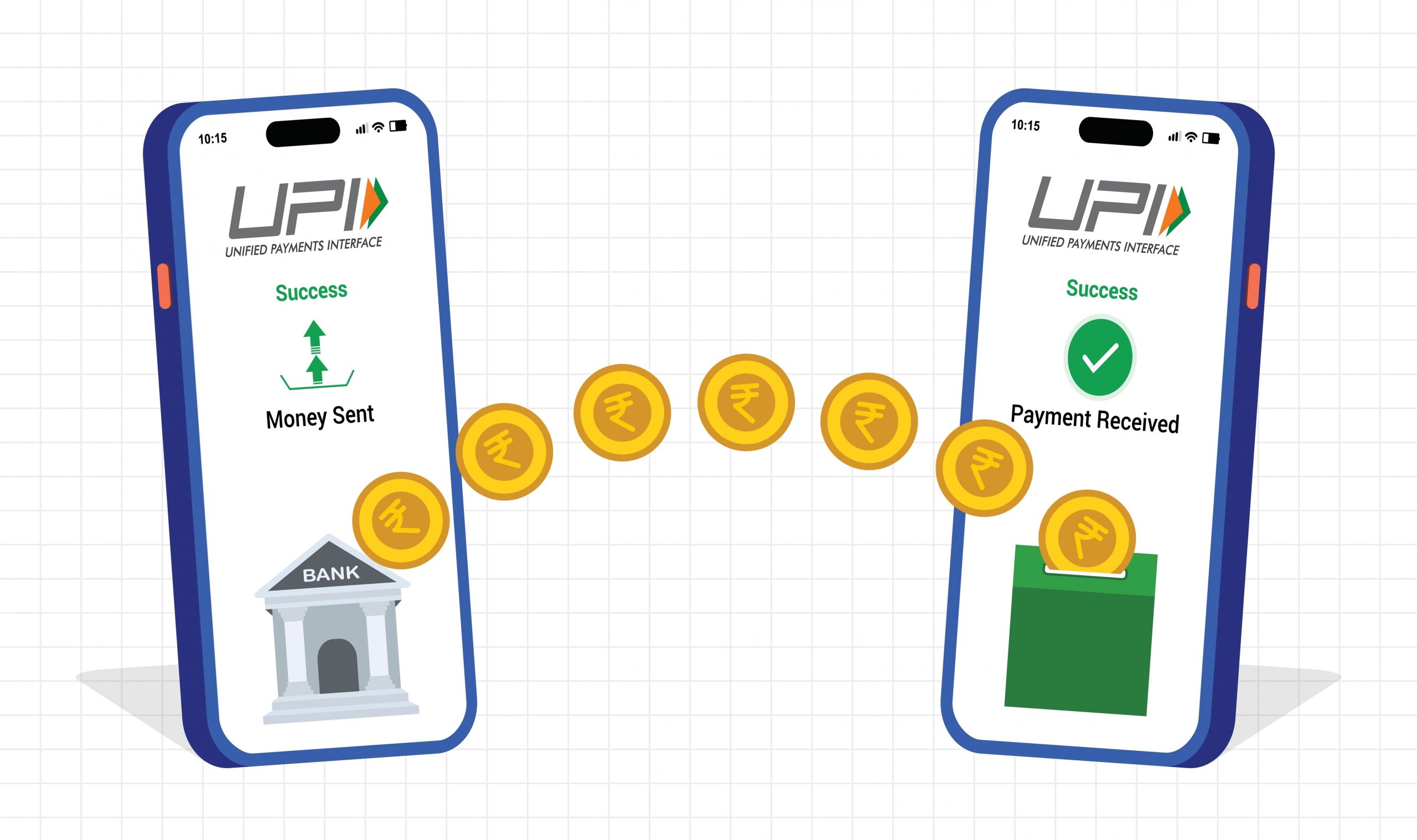
UPI has transformed the way Indians pay.
A vegetable vendor, taxi driver, restaurant, pharmacy or neighbourhood shop may accept a QR-code payment. You don’t necessarily need cash or a card.
For seniors, this can be liberating.
But UPI comes with one golden rule:
You do not enter your UPI PIN to receive money.
You enter your PIN when you are authorising a payment.
That one lesson can prevent a great deal of trouble.
Never share your PIN, OTP, card details or passwords with anyone — not even someone claiming to be from your bank.
If you are new to digital payments, start with small transactions. Keep your banking and payment apps protected by your phone’s security features.
And if you receive an unexpected request to transfer money, stop and verify.
Convenience should never replace caution.
- DigiLocker — put your documents in your pocket
How many of us still have a drawer containing photocopies of Aadhaar, PAN, driving licence, insurance papers and other documents?
DigiLocker can reduce some of that dependence on physical paperwork by providing access to digitally issued or stored documents.
Government-backed digital services such as DigiLocker, UMANG, BHIM and ABHA are increasingly designed to reduce paperwork and make citizen services accessible online.
For a senior citizen, the biggest benefit is simple:
You don’t have to remember where you kept every document.
But remember your security basics. Protect access to your account and do not share passwords or authentication codes casually.
Digital storage is useful only when digital security is taken seriously.
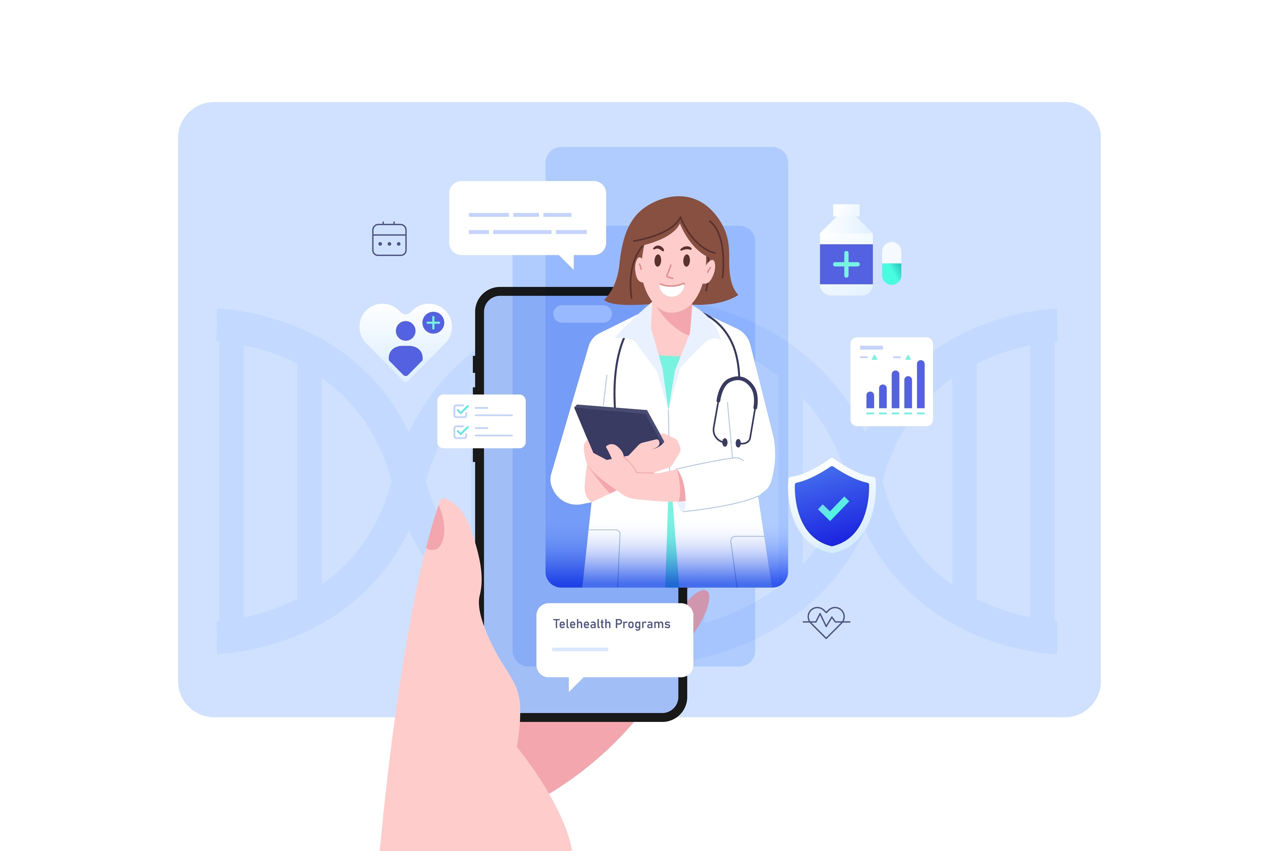
- A health/telemedicine app — because travelling isn’t always necessary
There will be days when going to a hospital or clinic is difficult.
A reliable telemedicine or healthcare app can help with doctor consultations, appointments, prescriptions and, depending on the service, access to health records and medicines.
This can be particularly useful for routine follow-ups or when you need medical advice but travelling to the doctor’s clinic is inconvenient.
But here too, technology has limits.
A video consultation cannot replace an examination when an examination is necessary. And no app should become a substitute for your doctor.
The best use of technology is to make healthcare more accessible, not to eliminate the doctor from the equation.
- A voice assistant or smart speaker — talk instead of type
Here is one piece of technology that I particularly recommend to seniors who find tiny keyboards frustrating.
A voice assistant can answer questions, set reminders, play music, tell you the weather, create timers and perform other simple tasks without requiring you to type.
A smart speaker placed in the living room can become surprisingly useful.
“Set a reminder for my medicine.”
“Call my daughter.”
“What is the weather today?”
“Play my favourite songs.”
For someone with poor eyesight, reduced dexterity or simply a dislike of keyboards, voice can be much more natural than touch.
And there is something psychologically important about it: you don’t have to feel that you are “using technology”.
You are simply talking.
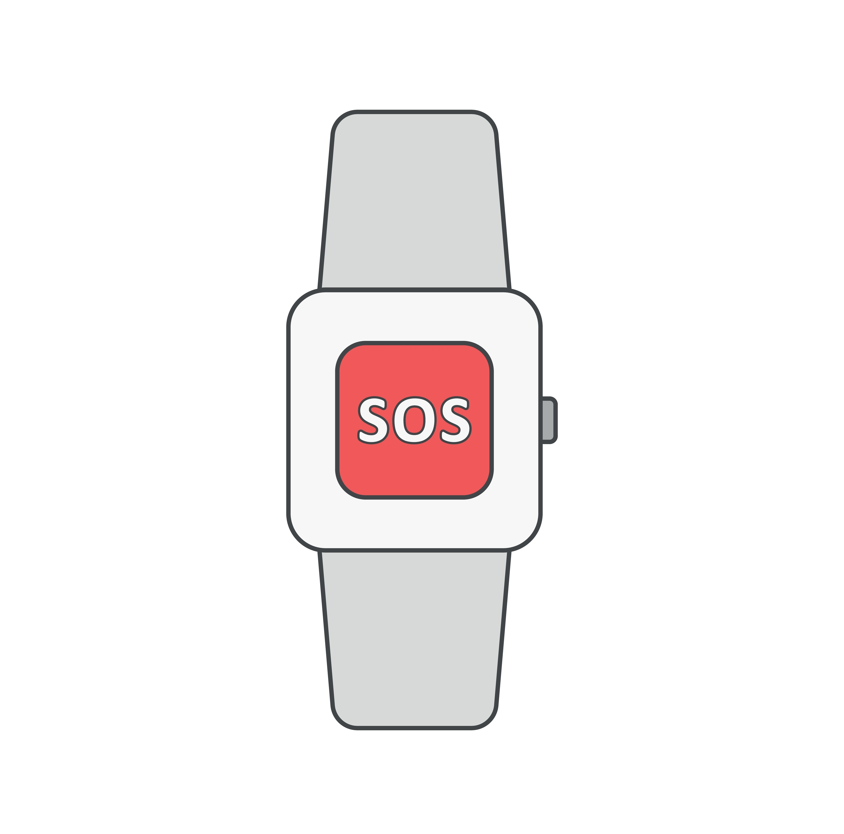
- A dedicated emergency device — because the phone isn’t always with you
Finally, consider a simple emergency device — a panic button, SOS pendant or senior-friendly wearable — particularly if you live alone.
The advantage is obvious.
You don’t have to search for your phone.
You don’t have to unlock it.
You don’t have to remember which icon to press.
You simply activate the emergency function.
Some senior-focused devices combine SOS alerts with location sharing and other safety features.
If you live alone, have mobility issues, frequently travel by yourself or simply want an additional layer of reassurance, this can be worth considering.
The best emergency device, however, is one that you will actually wear, carry and know how to use.
And now comes the most important app: YOU
There is a danger in making technology sound like a magic solution.
It isn’t.
The best app in the world is useless if you don’t know how to use it. The most sophisticated smartwatch is pointless if it is lying in a drawer because nobody explained it to you.
So here’s my advice to senior citizens:
Don’t ask your children or grandchildren to “set everything up” and then walk away.
Ask them to teach you.
Sit with them.
Write down the important steps.
Try it yourself.
Make a test call.
Make a small UPI payment.
Ask Maps to take you somewhere.
Send your location.
Activate the SOS feature.
Then do it again.
And again.
Because there is a difference between having technology and being comfortable with technology.
The latter is what we want.
One final rule: technology should reduce anxiety, not create it
You don’t need every new app that appears on your phone.
You don’t need every gadget advertised on television.
You don’t need to buy a ₹50,000 smartwatch because it has a feature you will use once.
Start with what solves a real problem.
Communication.
Safety.
Health.
Mobility.
Money.
Documents.
Convenience.
And then make friends with the technology.
Because growing older should not mean becoming less independent.
Sometimes, the right little device on your wrist, the right app on your phone or simply knowing which button to press can give you something far more valuable than technology itself.